TouchBase Maritime · Documents, sea time, sharing
Everything a career at sea produces,
in one place you own.
Your certificates, your sea time, your references. Yours to keep.
TouchBase holds every document you carry and knows when each one runs out, checked against your rotation, not the calendar. When a crewing agent or a captain asks for your papers, you send exactly those, and take them back once the job is done. Free for seafarers.
The problem
A whole career,
in a dozen download folders.
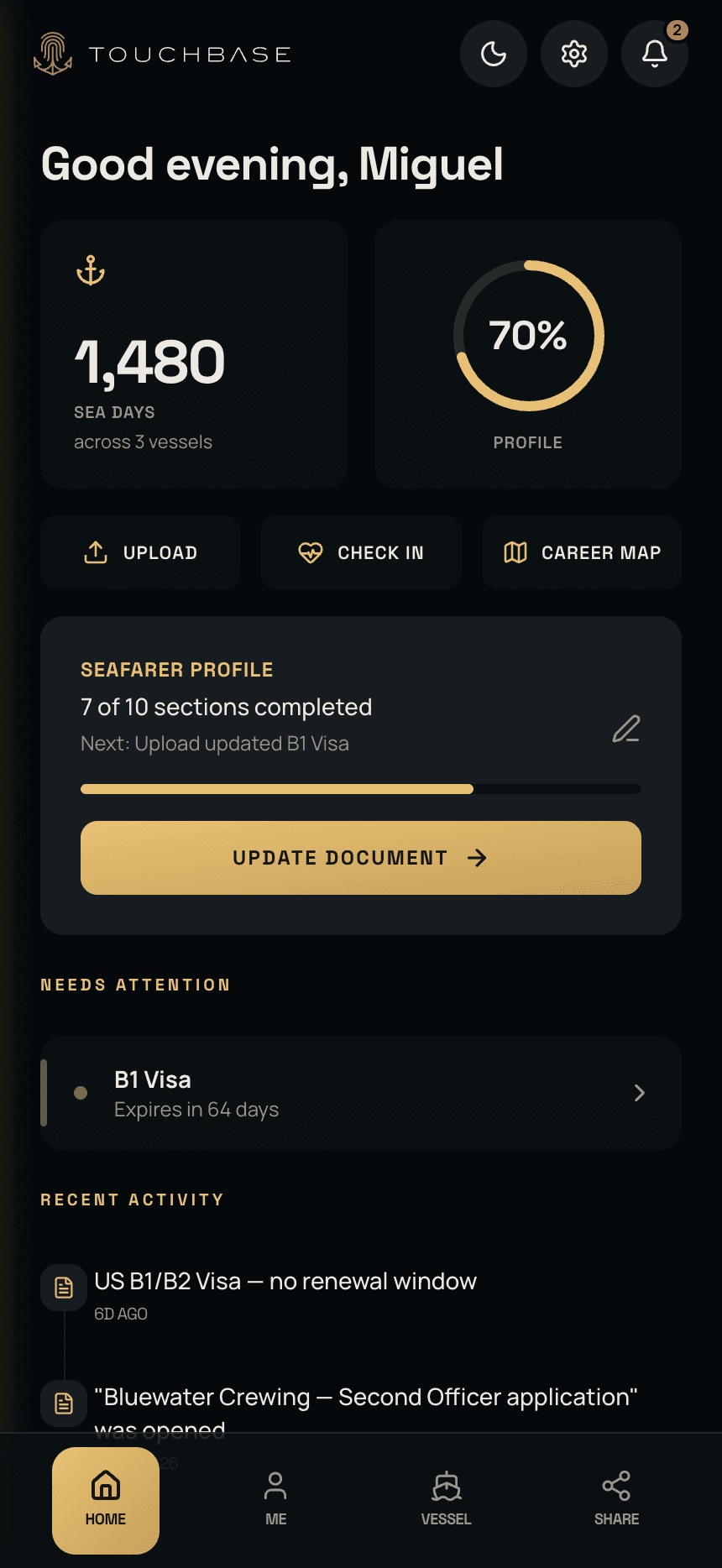
Your ENG1 is a PDF somewhere in your inbox. Your STCW refreshers are photos on your old phone. Your discharge book is scanned on a laptop at home. When a crewing agent asks for your papers, finding them is half the job, and nobody is watching which one runs out next.
Change employer and the agency's copy does not follow you. It was never yours. TouchBase puts the lot in one place that is: in order, easy to find, every expiry watched.
Getting it in
Photograph it once.
The typing is done for you.
Point the camera at the certificate, or drop in the PDF. TouchBase reads the number, the dates and what kind of document it is, and files it where it belongs. It knows what your rank and department carry, so a sous chef is never asked for an engineer's licence. Everything is held on your phone and encrypted in the cloud, for the days with no signal.
Expiry
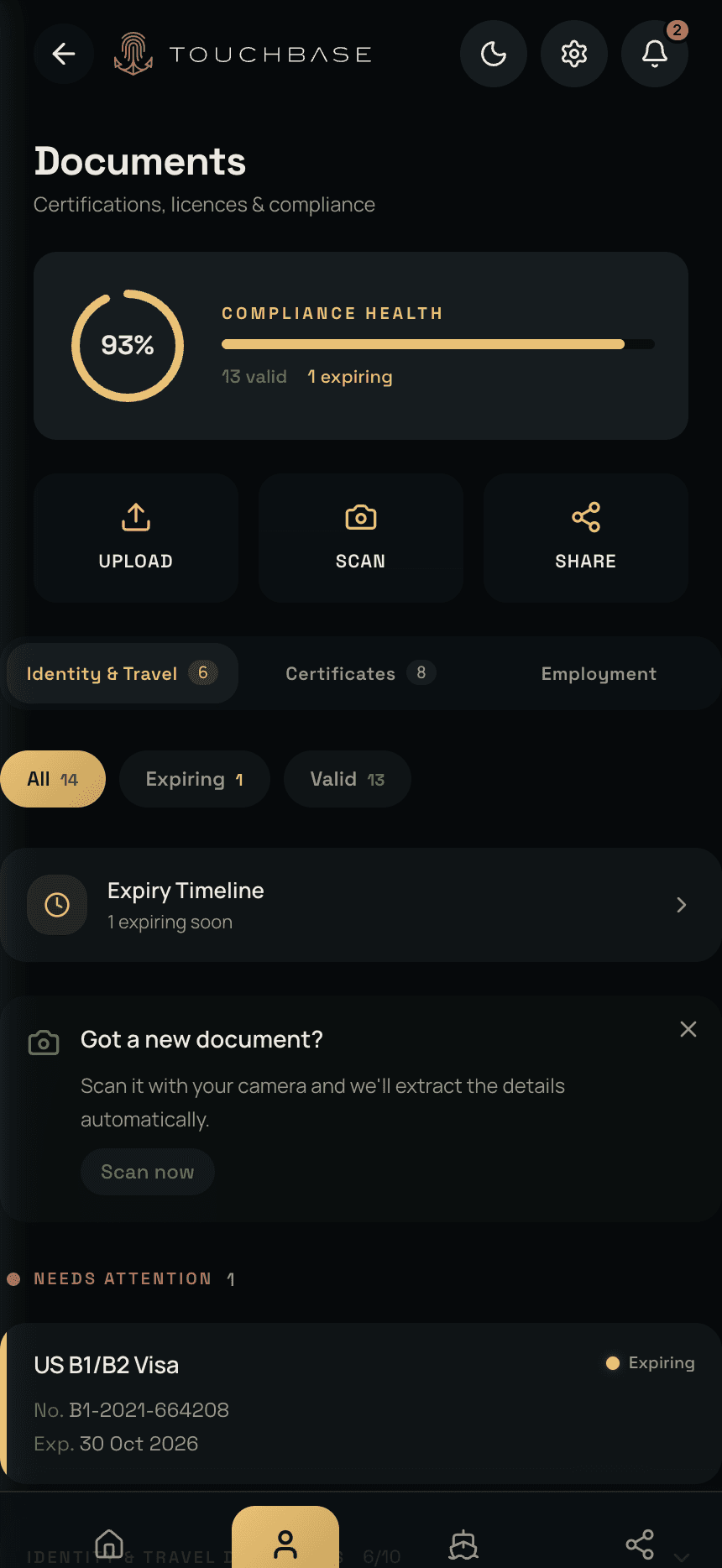
Tracks certificate expiry so you never risk a lapse in renewals again.
A certificate that runs out in December is plenty of time on leave, and no time at all once you are back on board for the whole renewal window. TouchBase reads your rotation, not the calendar, allows for how long the issuing authority takes, and tells you which leave is your last chance to renew. It tells you at each stage, while there is still time to act.
Sharing
Send exactly what they asked for.
Take it back when they are done.
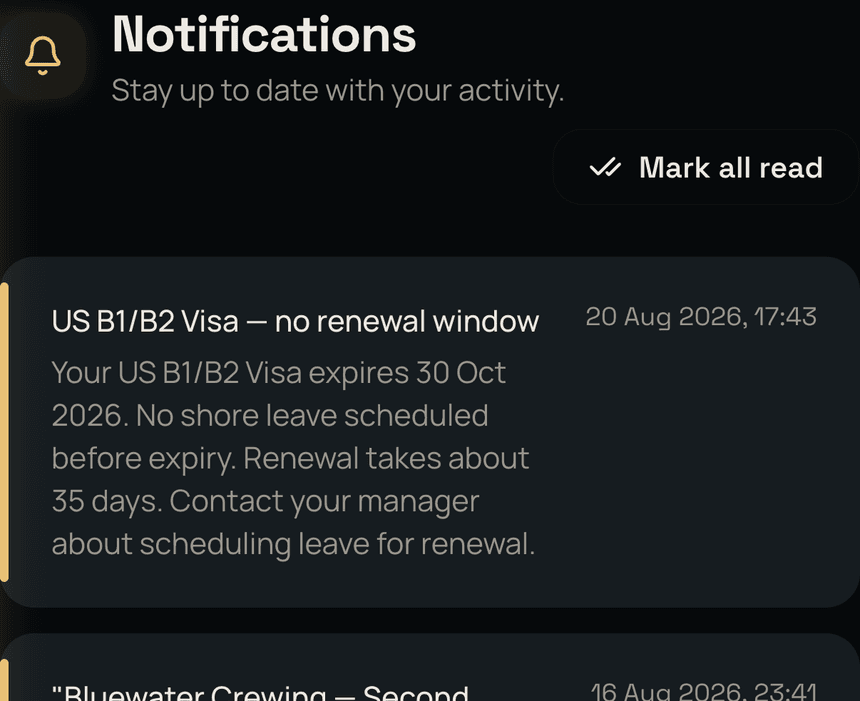
A crewing agent, a travel agent, a training provider, a port agent, a vessel you are about to join: each asks for a different set of papers, and TouchBase has a ready-made list for each. One tap sends the right documents and nothing else, as a link that closes itself after a day, a few days or a month.
You see the moment it is opened, and how many times. When the job falls through or they have what they need, one tap revokes it and the link is dead for everyone who has it. No emails received months ago to sift through and find at a later date.
The career record
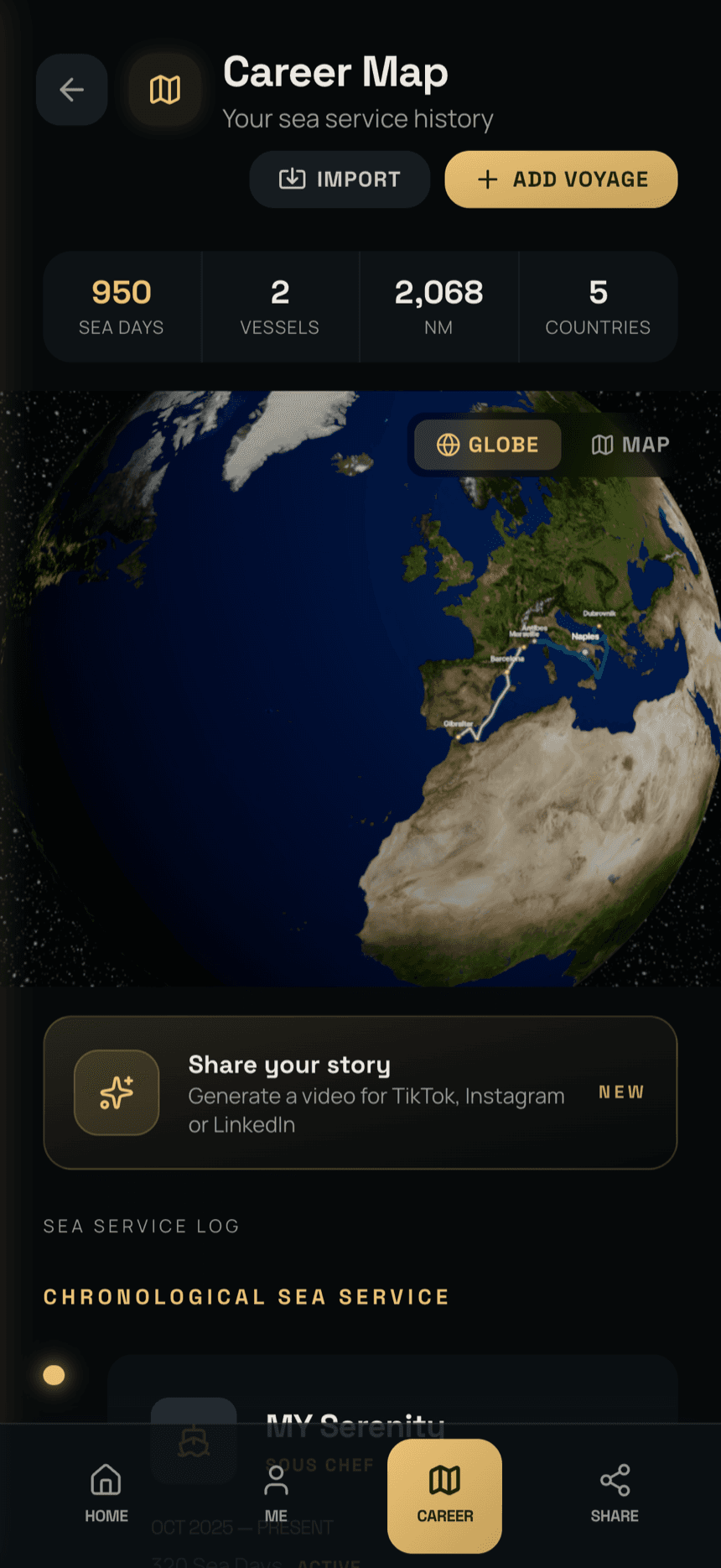
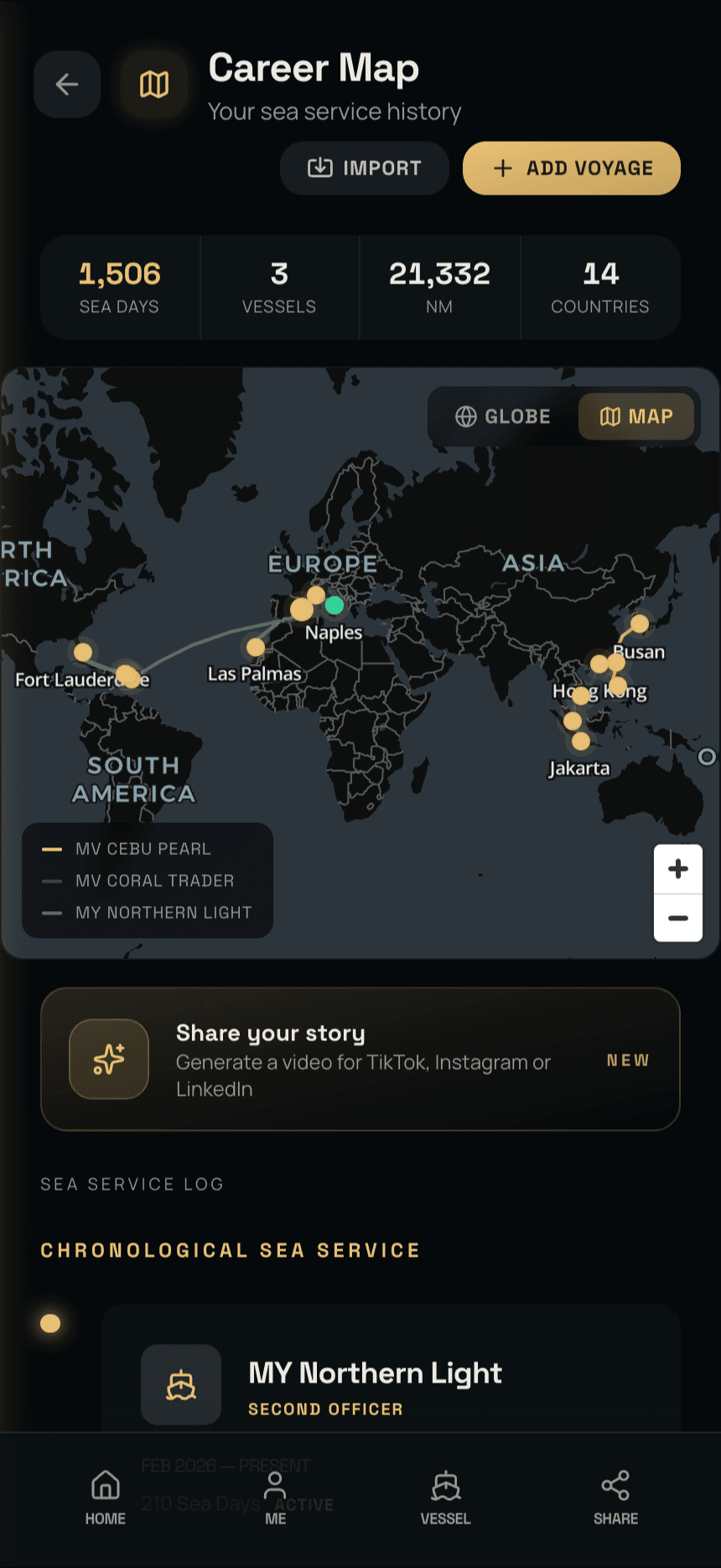
Every sea day you have already done,
in one record.
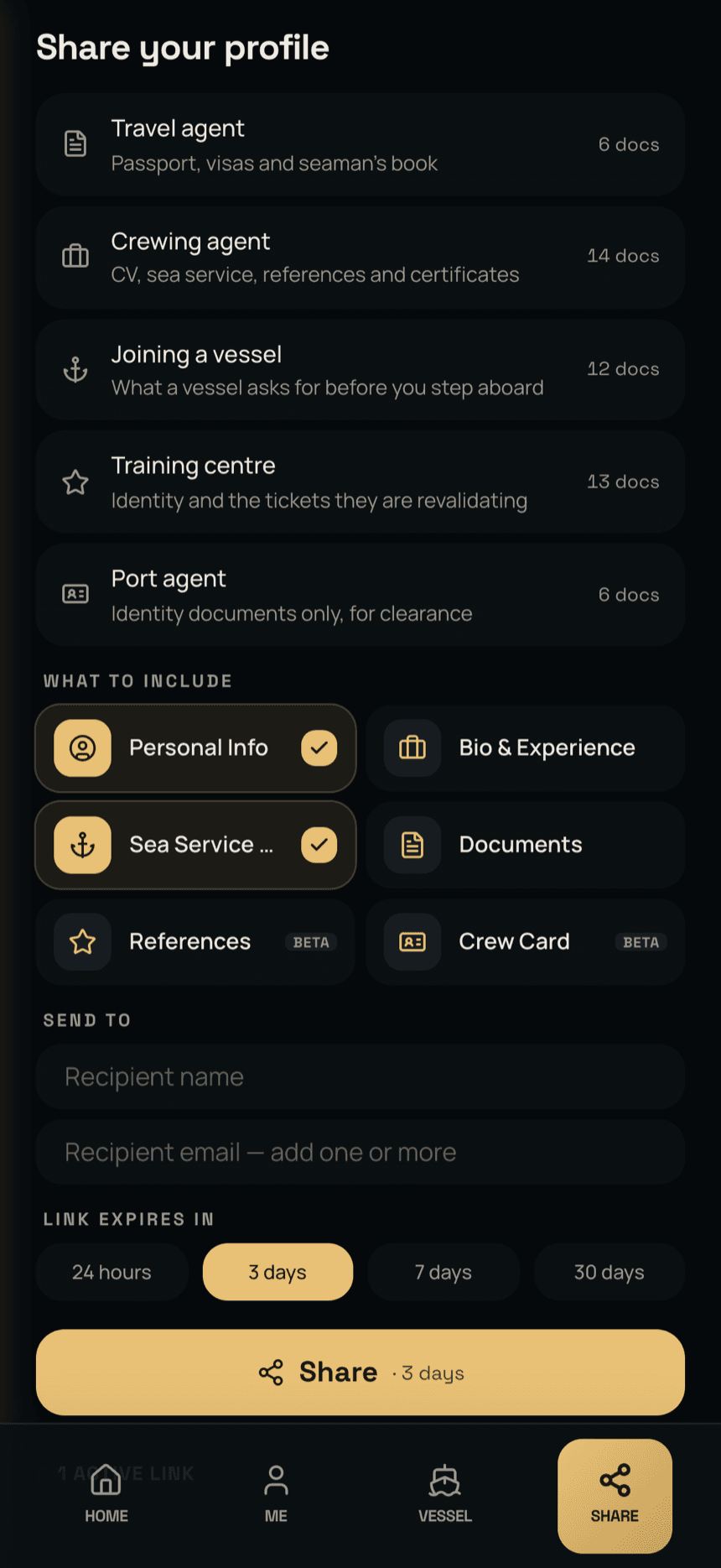
Sea days, vessels, miles and countries, added by hand, from a photographed logbook page, or logged for you as you sail when the vessel runs APRON. Drawn on a globe or a flat chart, with the captain's reference letters filed beside them.
Connected
The crew noticeboard,
in your pocket.
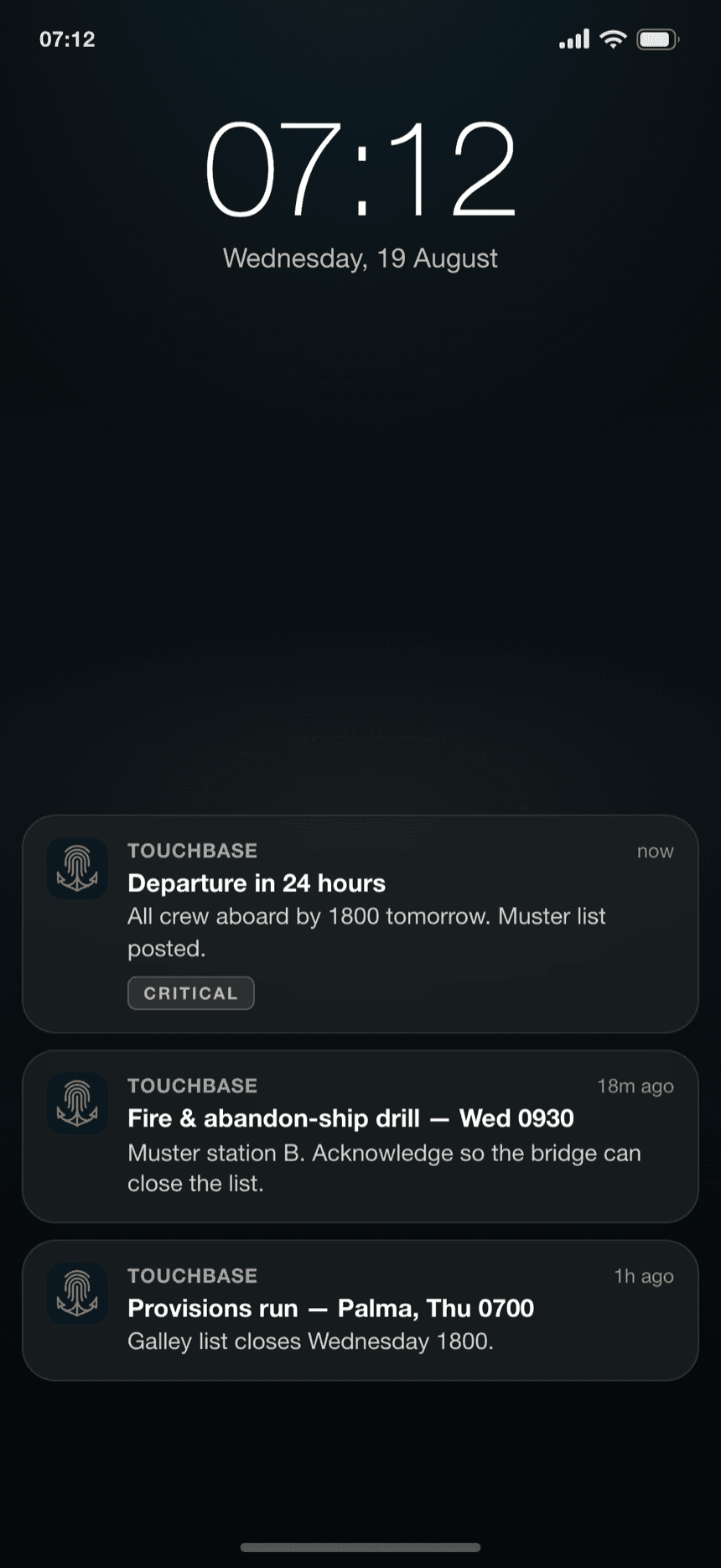
Everything TouchBase does on its own, it keeps doing. When the vessel runs APRON, it adds the day on board: your tasks, notices you acknowledge in a tap, leave and training requests answered in writing, hours of rest mostly filled in for you. On leave, nothing reaches you. When you are back on board, only what is still current is waiting.
What you earned at sea should be yours to keep ashore.